
FREE TOOL / PRODUCT DECISIONS
Make the cost of your next “yes” clear.
A new priority means something else waits. Turn that tradeoff into one clear card: what moves forward, what gets delayed, and why.
Start using the toolFree to use. No signup. Ready to share.
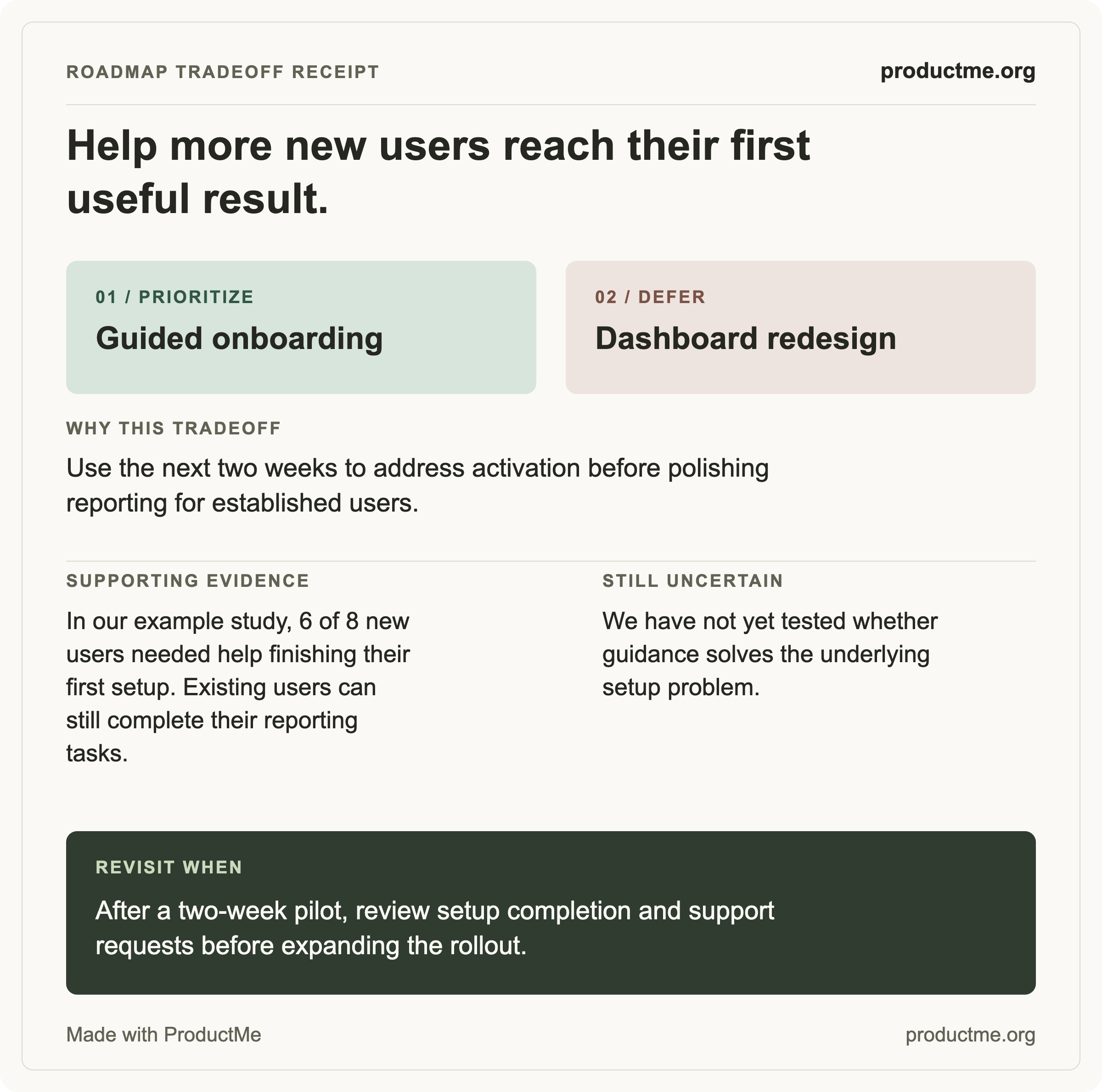
One decision. Three simple steps.
Name the choice
Write what you are prioritizing and what gives up capacity. Keep the intended outcome in view.
Show your reasoning
Record why, what evidence you have, and where you are uncertain. Give the choice a revisit trigger.
Take it into the conversation
Download your branded card or copy the summary. Use it to make the tradeoff visible to your team.
For the moments when the roadmap changes.
A new request lands
Make the displaced work visible alongside the new commitment.
You need to cut scope
Explain what you are accepting, why it is reasonable, and when you will return to it.
The team needs alignment
Give everyone the same concise account of the decision and the assumptions behind it.
A few useful details.
What is a roadmap tradeoff receipt?
A compact record of one prioritization choice: the work moving forward, the work being delayed, the intended outcome, the reason, the evidence, the uncertainty, and a trigger for revisiting the choice.
Does the tool decide what I should prioritize?
You make the decision. The tool gives your reasoning a clear structure and turns it into a readable card. It does not calculate a priority score or infer missing evidence.
Is it free, and do I need an account?
It is free to use and export, with no account, email gate, or trial. You can download a PNG for sharing or an SVG for scaling and printing.
Where do my inputs go?
Your inputs, preview, and exports are processed in your browser. The tool does not upload your text, save it to a server, or include it in analytics. Refreshing or leaving the editor clears your draft.
Can I use the receipt in a roadmap review?
Yes. Share the image with your team, paste the text summary into a document, or bring it into a planning discussion. It is most useful for making the cost of a new commitment and the conditions for revisiting it explicit.
KEEP PRACTICING
A clear artifact starts with a thoughtful decision.
Build your prioritization and communication skills with practical lessons in Product Management Basics.
Explore the course